Best Design Job Boards for Designers in 2026 (UX, Graphic, Product)
Finding the right job in the design industry can be a daunting task. Whether you're a graphic designer, UX specialist, or a creative director, having access to job boards that cater specifically to design roles is essential.
The design job market remains competitive, with an average of 68 days from first application to offer for product design roles in 2025. Using specialized design job boards can shorten that timeline by connecting you with companies that are actively seeking your specific skills.
These platforms not only list numerous job opportunities but also often offer valuable resources and community support. With an emphasis on providing access to top-tier opportunities, these job boards serve as crucial tools for both job seekers and employers. Below are ten of the best job boards for designers, complete with company descriptions, pricing details, and information on whether they are free to browse for job seekers.
{{freebie}}
Our Top 10 Job Boards for Designers: Quick Glance
1. Behance Jobs
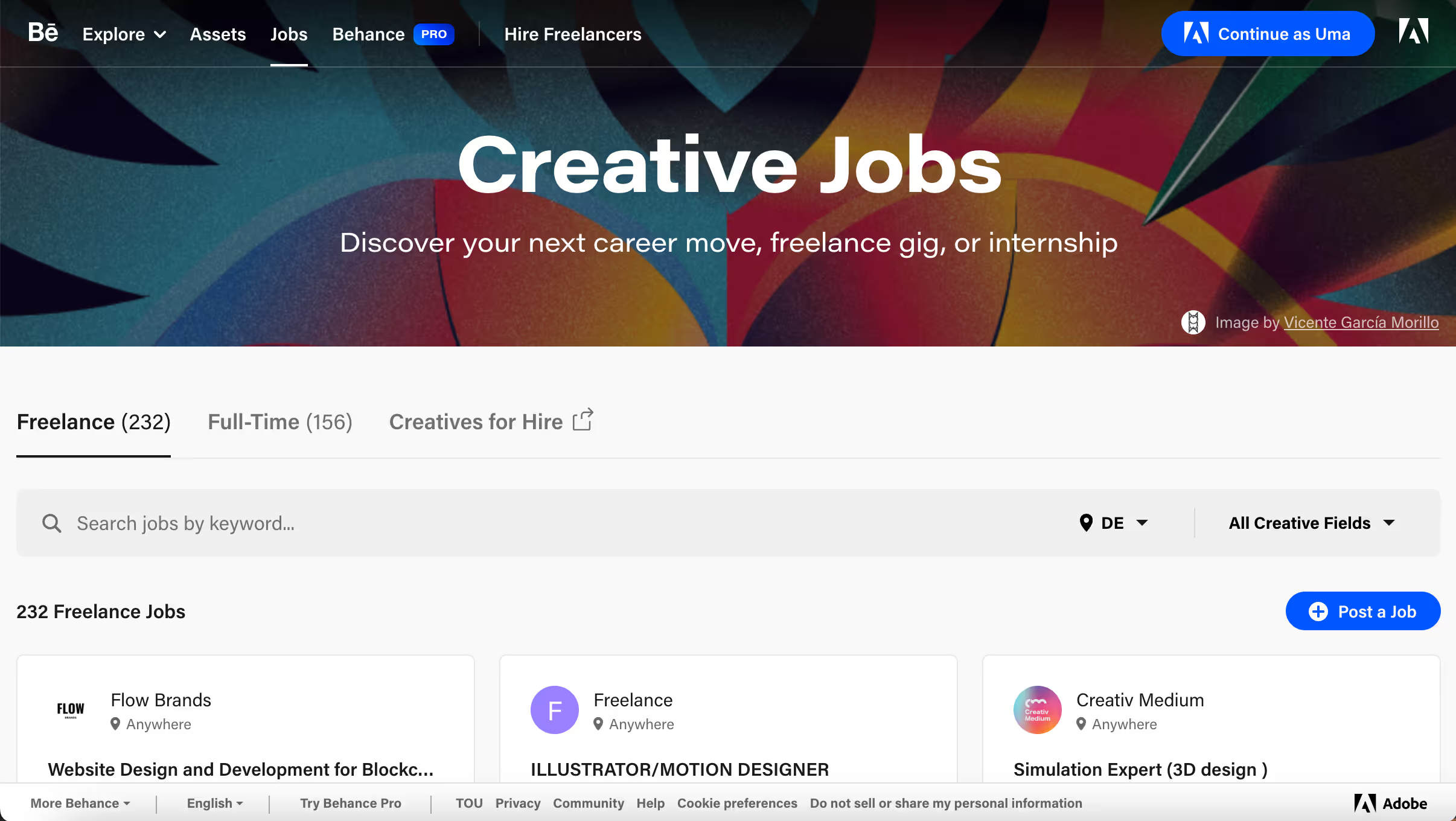
Behance is a leading online platform for showcasing and discovering creative work. Owned by Adobe, it serves as a hub for creative professionals to display their portfolios and connect with potential employers. It is renowned for its vibrant community and high-quality content.
Pricing Details: Posting a job on Behance starts at $399 for a single listing, with discounts available for multiple listings and subscription packages.
Free to Browse: Yes, job seekers can browse job listings for free.
Link to website 👉🏽 https://www.behance.net/joblist
Best for: Visual designers, illustrators, and creative professionals who want to leverage their Adobe Creative Cloud portfolio for job opportunities.
2. Dribbble Jobs
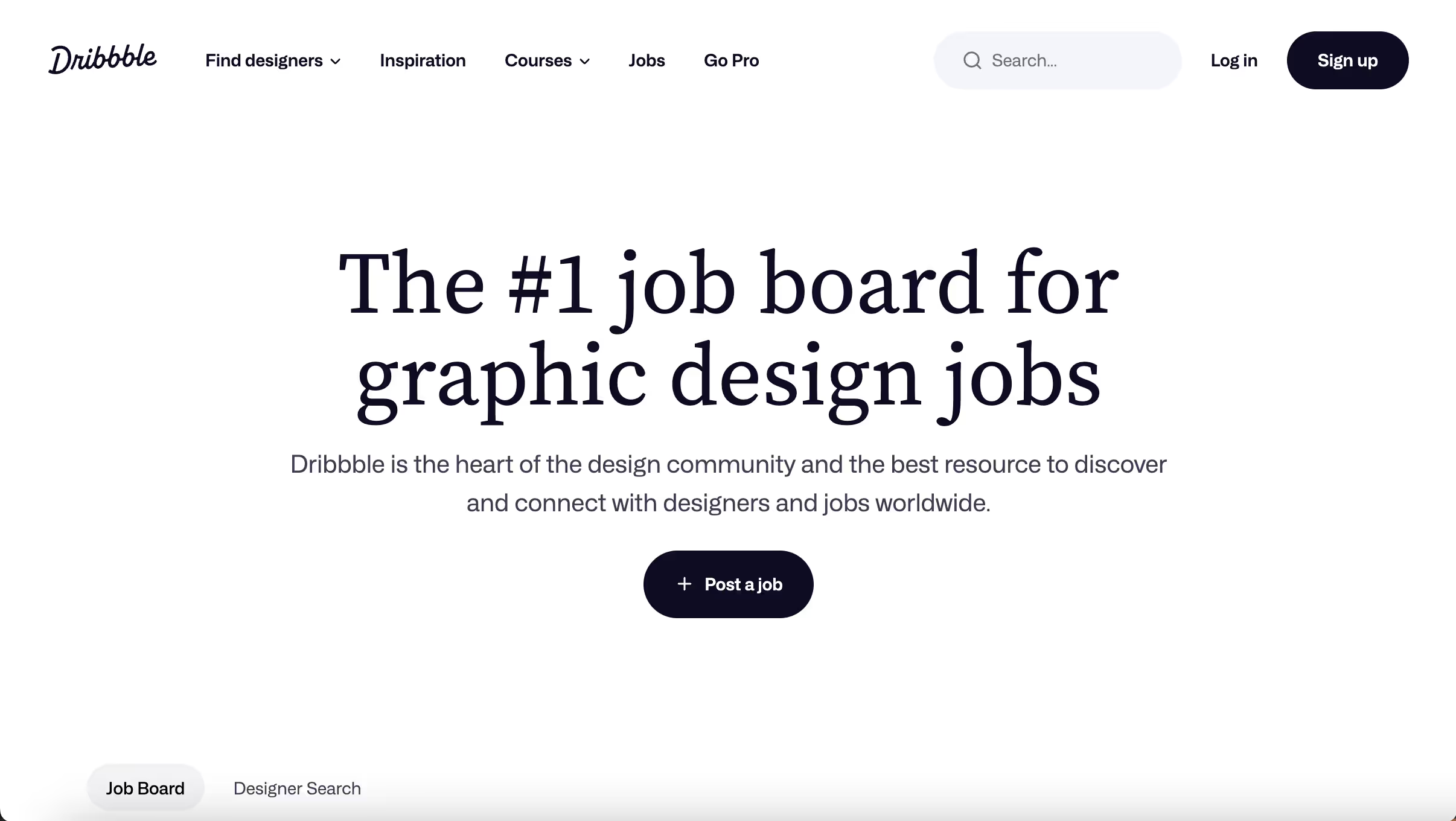
Dribbble is a global community where designers share, grow, and get hired. It is well-known for its vibrant and active user base, consisting of some of the top talents in the design industry. Dribbble also provides various resources for professional development.
Pricing Details: Job postings on Dribbble start at $299 for a 30-day listing. There are also options for featured listings and bulk discounts for multiple posts.
Free to Browse: Yes, job seekers can browse job listings for free.
Link to website 👉🏽 https://dribbble.com/jobs
Best for: Graphic designers, product designers, and visual creatives seeking roles where portfolio presentation matters as much as skills.
{{cta}}
3. Design Jobs Board
Design Jobs Board focuses on design-centric roles, including graphic design, web design, and UX/UI positions. It is a dedicated platform for design professionals looking to advance their careers and connect with employers.
Pricing Details: A standard job listing costs £75 (approximately $100 USD), with additional options for featured listings to increase visibility.
Free to Browse: Yes, job seekers can browse job listings for free.
Link to website 👉🏽 https://designjobsboard.com/
Best for: Designers in the UK and Europe looking for both freelance and full-time opportunities across all design disciplines.
4. Job Boards Design
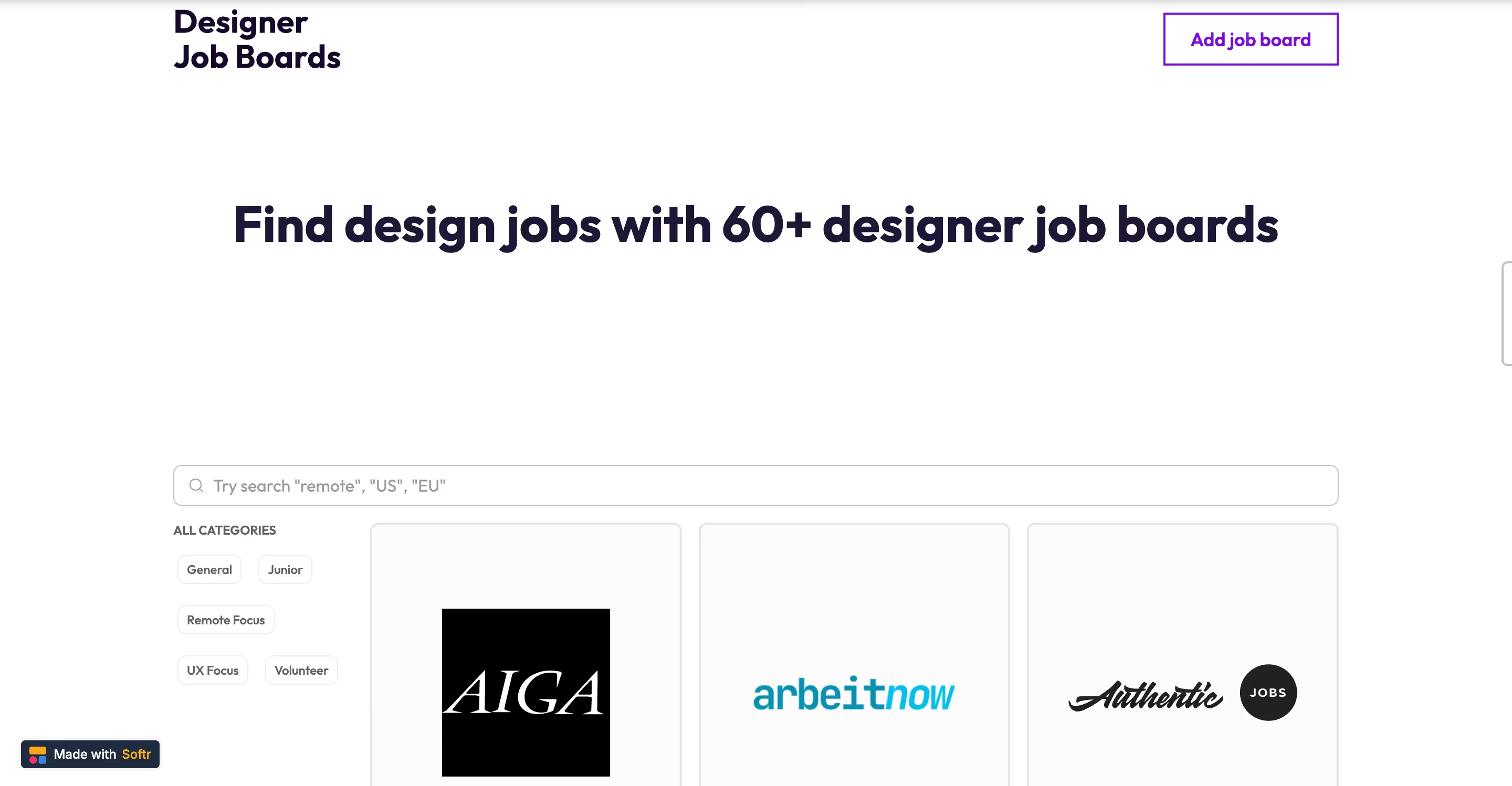
Job Boards Design is a comprehensive job board that lists design jobs. It caters to both freelancers and full-time professionals in various design disciplines, making it a versatile platform for job seekers.
Pricing Details: Job postings are free and you can submit new jobs via form.
Free to Browse: Yes, job seekers can browse job listings for free.
Link to website 👉🏽 https://www.jobboards.design/
Best for: Creatives seeking roles at innovative companies in design, advertising, art direction, and creative strategy.
5. If You Could Jobs
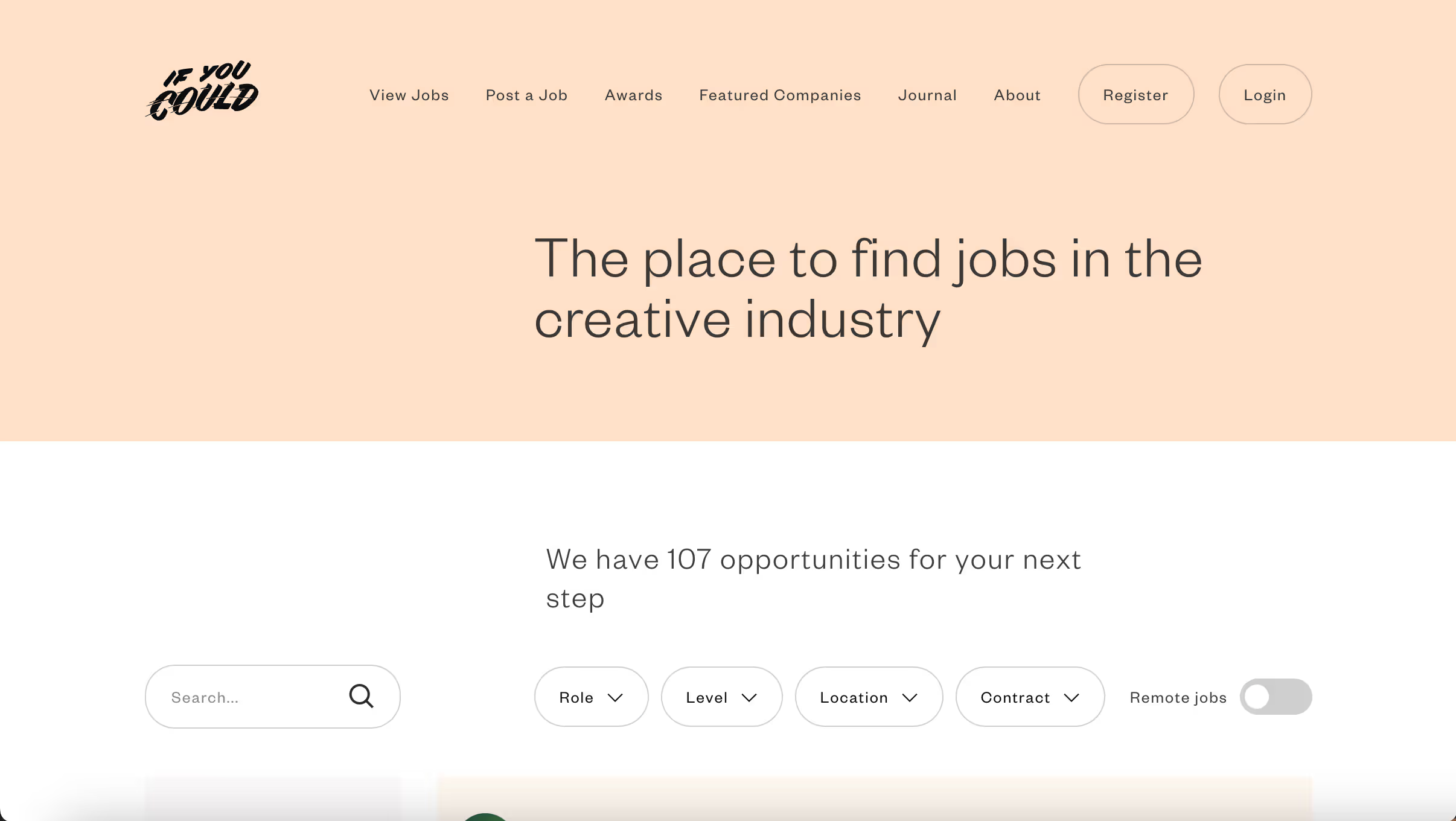
If You Could Jobs is a platform that connects creative professionals with potential employers. It is known for its curated job listings that span various creative fields, including design, illustration, and animation. The site offers a personalized experience for job seekers.
Pricing Details: Listings start at £100 (approximately $130 USD) for a 28-day post, with discounts available for multiple listings and packages.
Free to Browse: Yes, job seekers can browse job listings for free.
Link to website 👉🏽 https://www.ifyoucouldjobs.com/
Best for: UX designers, UX researchers, and product designers seeking dedicated user experience roles at companies that prioritize UX.
6. UX Jobs Board
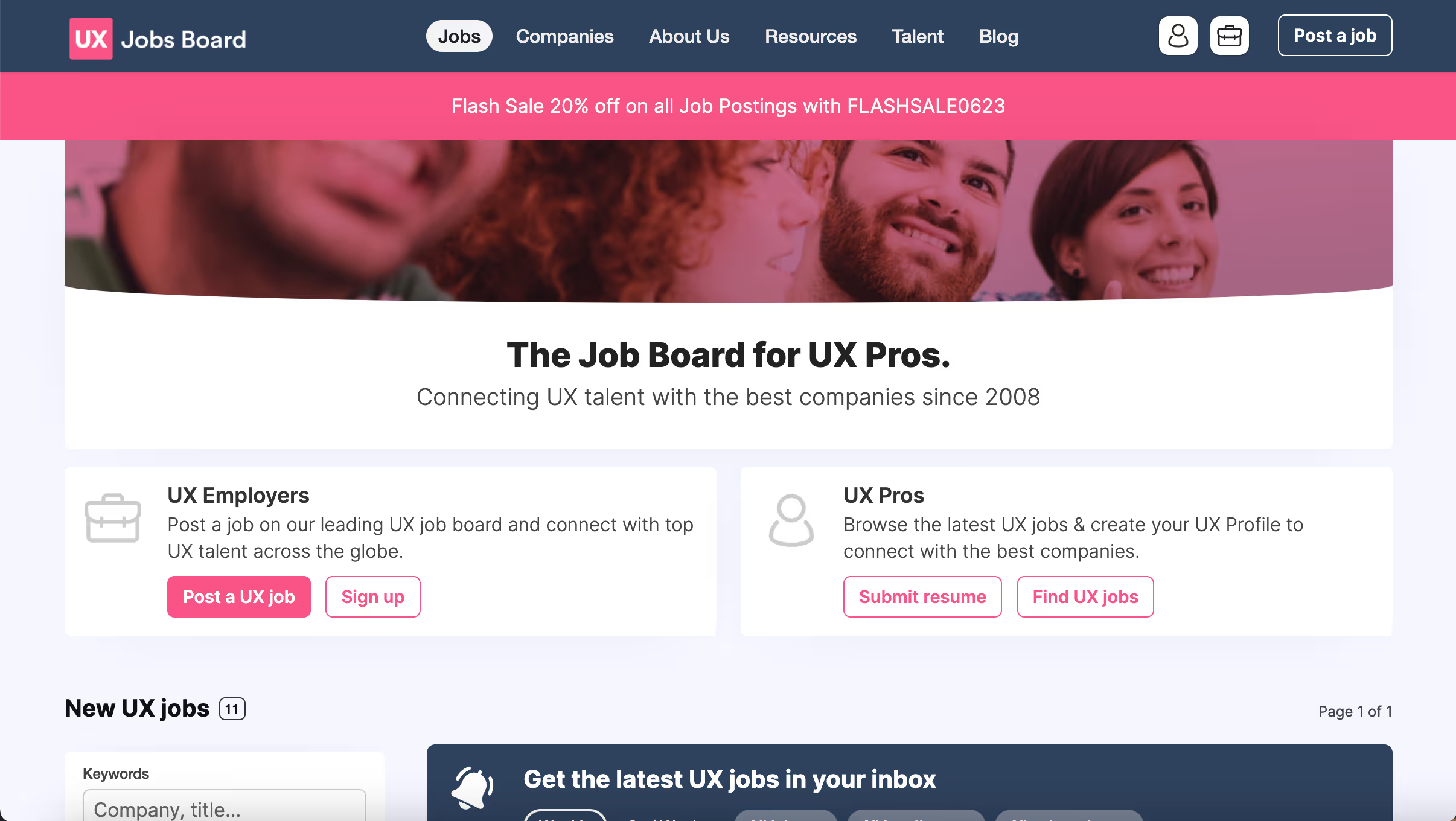
UX Jobs Board is dedicated to user experience (UX) roles, offering a specialized platform for UX designers, researchers, and managers to find relevant job opportunities. It caters to a niche market with high demand for skilled professionals.
Pricing Details: A single job posting costs $249 for a 30-day listing. There are also options for featured listings and bulk discounts.
Free to Browse: Yes, job seekers can browse job listings for free.
Link to website 👉🏽 https://www.uxjobsboard.com/
Best For: UX designers, UX researchers, and product designers seeking dedicated user experience roles at companies that prioritize UX.
7. Creativepool
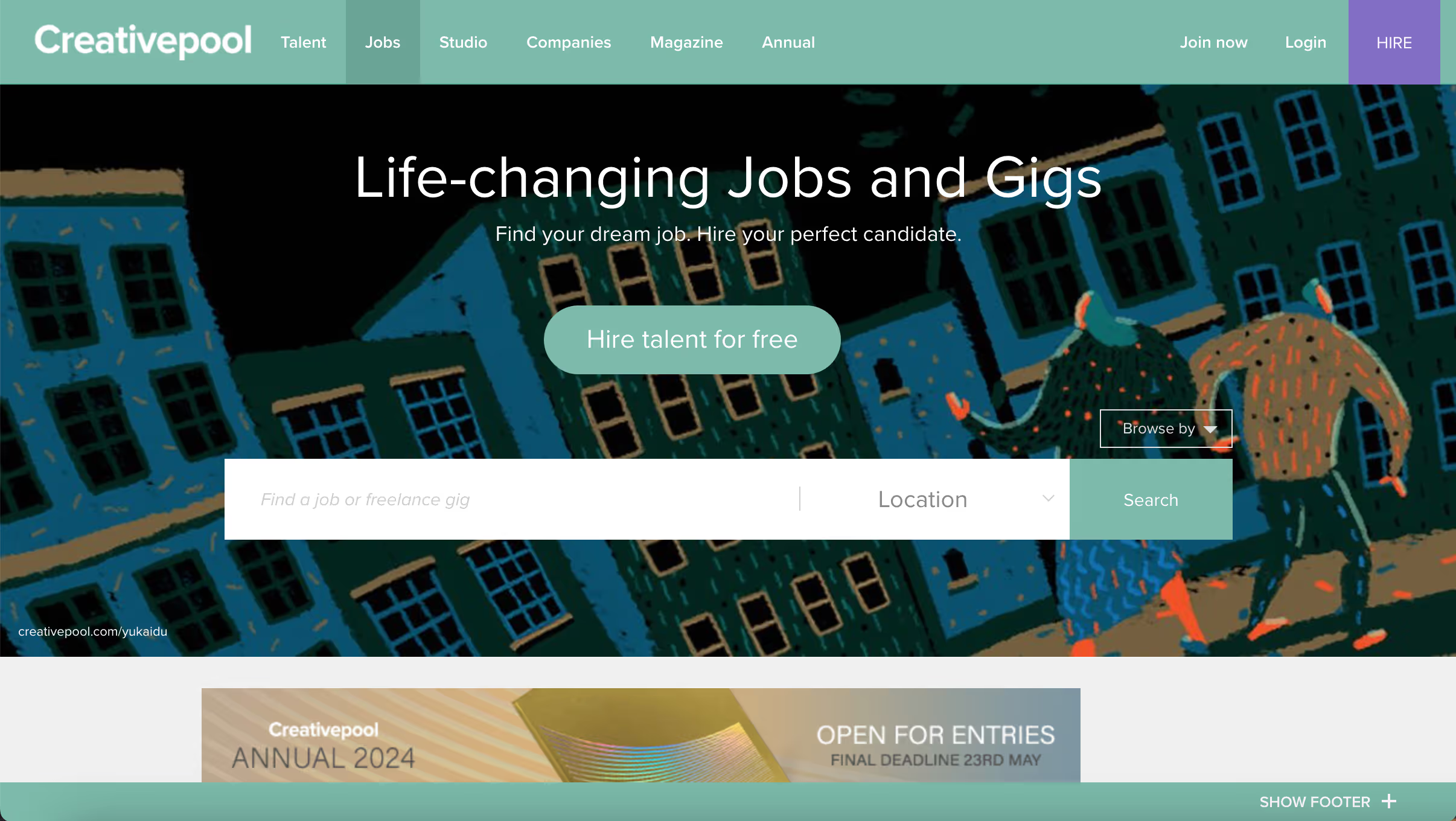
Creativepool is a network for creative professionals that offers job listings, portfolio showcases, and community interaction. It covers various creative sectors, including design, advertising, and marketing, providing a well-rounded resource for creatives.
Pricing Details: Job postings start at £195 (approximately $260 USD) for a standard 30-day listing, with featured options available for increased exposure.
Free to Browse: Yes, job seekers can browse job listings for free.
Link to website 👉🏽 https://creativepool.com/
Best for: Creative professionals in advertising, design, and marketing who want access to UK and Europe-focused job listings alongside portfolio showcasing and community networking.
8. DesignCrowd
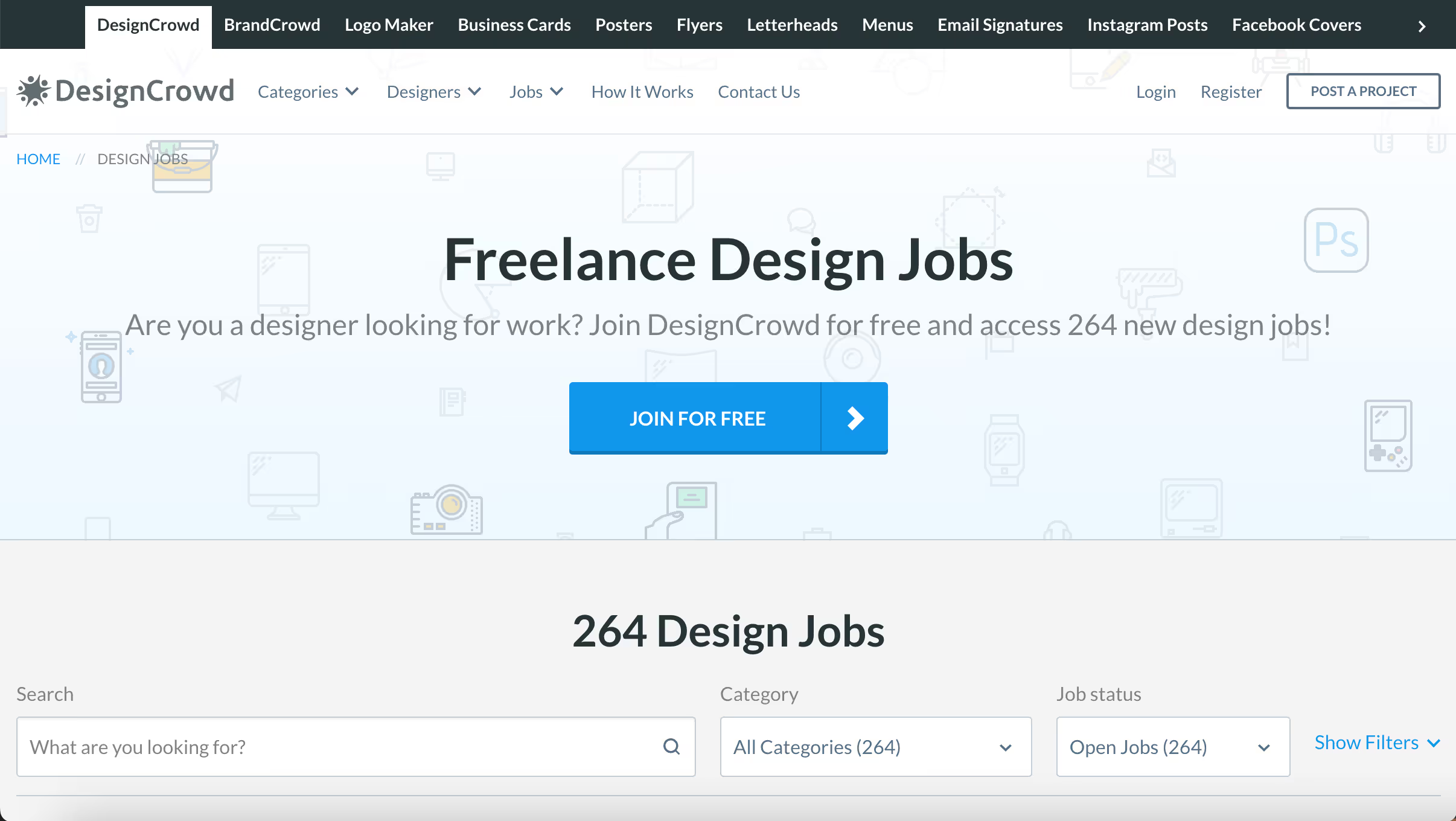
DesignCrowd is a marketplace for freelance design work. It allows businesses to post design projects and receive submissions from designers around the world, making it a great platform for freelancers looking for project-based work.
Pricing Details: Posting a project on DesignCrowd is free, but designers pay a service fee of 15% to 20% based on their earnings from each project.
Free to Browse: Yes, job seekers can browse job listings for free.
Link to website 👉🏽 https://www.designcrowd.com/
Best for: Freelance graphic designers who want to earn through competition-based design projects like logos, branding, web design, and print work from global clients.
9. Design Observer
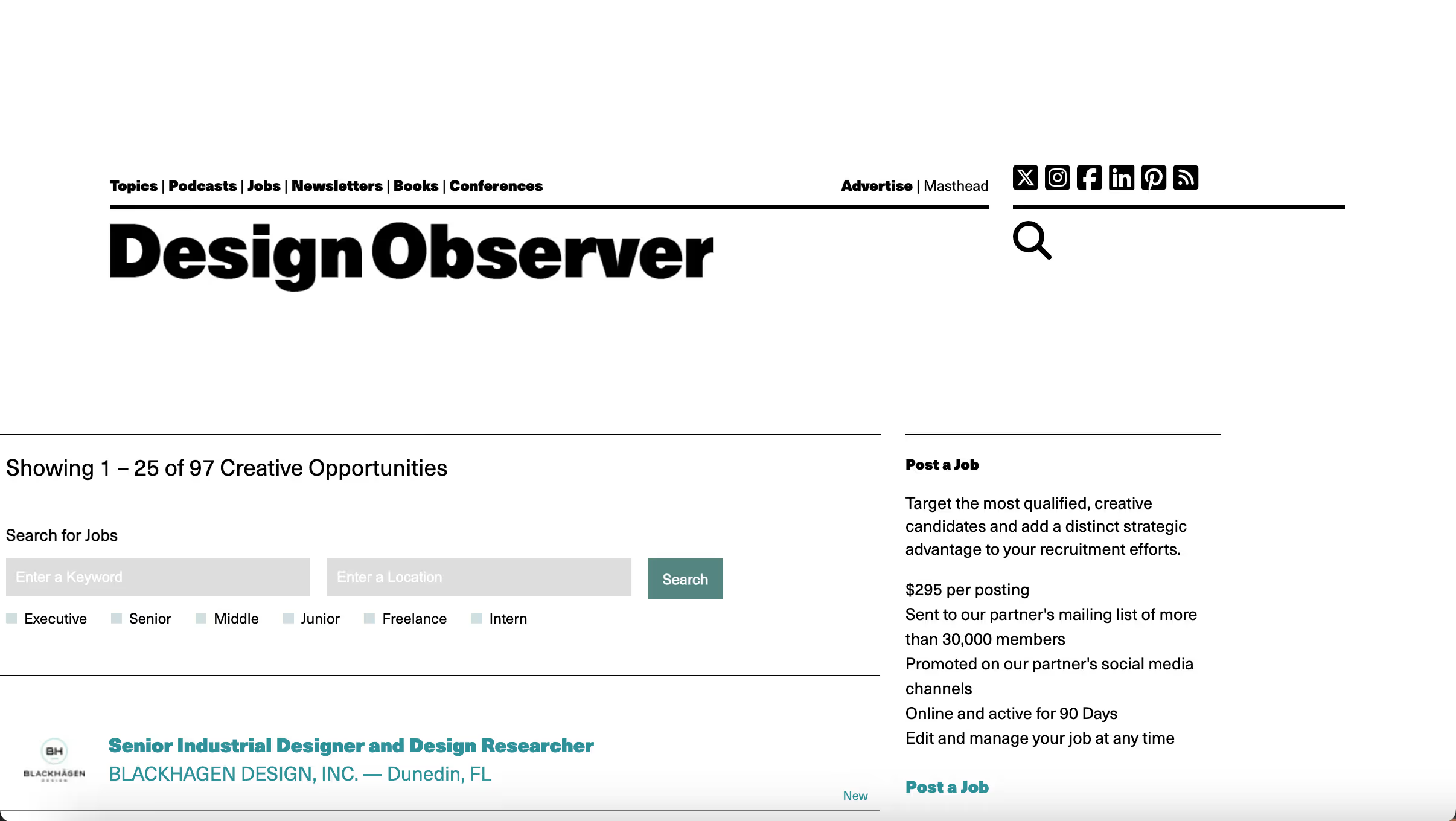
Design Observer is a leading publication and community for design professionals. Its job board features a range of opportunities in design, architecture, and visual culture. The site is highly respected for its industry insights and thought leadership.
Pricing Details: Job listings are available for $150 for a 30-day post, with options for extended listings and additional promotional services.
Free to Browse: Yes, job seekers can browse job listings for free.
Link to website 👉🏽 https://designobserver.com/
Best for: Senior-level designers, architects, and design educators looking for curated, high-quality job listings at established cultural and design institutions.
10. Awwwards Jobs
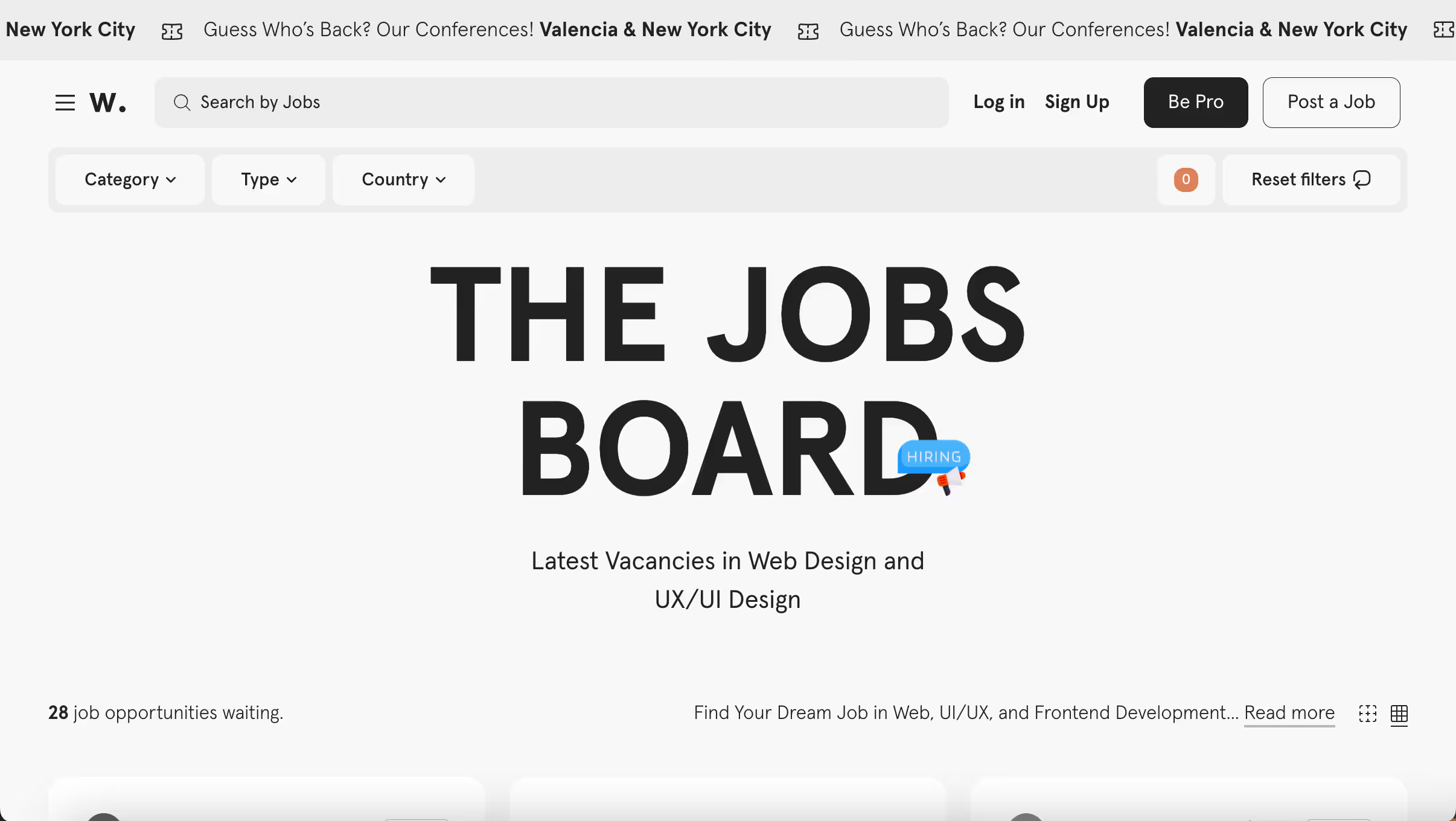
Awwwards recognizes the best in web design and development. Its job board attracts top talent in the industry, offering positions in web design, development, and related fields. Awwwards is known for its prestigious awards and high standards.
Pricing Details: A standard job posting costs €75 (approximately $85 USD) for a 30-day listing, with premium options available for increased visibility and promotion.
Free to Browse: Yes, job seekers can browse job listings for free.
Link to website 👉🏽 https://www.awwwards.com
Best for: Web designers and front-end developers who specialize in high-end, visually driven digital experiences and want to work with award-winning studios and agencies.
What is a Design Job Board?
A design job board is a specialized platform that connects designers with employers hiring for creative roles. Unlike general job sites like Indeed or LinkedIn, design job boards focus specifically on visual and digital design positions, including UX design, graphic design, product design, web design, and motion graphics. The best job boards for designers also integrate portfolio features, letting employers see your work before reaching out.
How To Stand Out On Design Job Boards
Finding job listings is the easy part. Getting hired requires standing out from hundreds of other applicants. Here's what actually works.
Tailor Your Portfolio To The Platform
Different job boards have different expectations. Dribbble favors visual impact, so lead with your most polished, eye-catching work. Behance rewards process documentation, so include case studies that show your thinking. UX-focused boards want to see research, wireframes, and iteration, not just final mockups.
Before applying through any platform, review what successful profiles on that platform look like and adjust your portfolio presentation accordingly.
Show Process, Not Just Outcomes
Hiring managers consistently say they want to see how you think, not just what you produced. Include sketches, research findings, user testing results, and iteration examples. A case study that explains why you made certain decisions is more valuable than a gallery of pretty screens.
Use Niche Boards For Specialized Roles
General creative job boards like Behance and Dribbble are good starting points, but niche boards often have less competition. If you're a UX designer, the UX Jobs Board or UXcel will have more relevant opportunities. If you're in industrial design, Coroflot or IDSA's job board will be more targeted.
Apply Through Referrals When Possible
Job applications submitted through referrals are 4-5x more likely to result in an interview than cold applications. Before applying through a job board, check if you have any connections at the company on LinkedIn. A warm introduction dramatically increases your chances.
Set Up Alerts And Apply Early
Many job boards let you create email alerts for new postings. The earlier you apply to a listing, the more likely your application will be reviewed carefully. Listings that have been up for weeks often have hundreds of applicants, making it harder to stand out.
Final Thoughts
The right design job board can make a huge difference in how quickly you find opportunities that actually match your skills and goals. Whether you're a graphic designer browsing Dribbble, a UX researcher checking out UXcel, or an industrial designer scanning Coroflot, the key is to focus your energy on the platforms where your target employers are actively hiring.
Don't spread yourself too thin across every board. Pick two or three that align with your specialty, optimize your portfolio for each one, and set up alerts so you're among the first to apply. Combine that with a strong LinkedIn presence and referrals whenever possible, and you'll be in a much better position than most applicants.
And if you're on the other side of those job boards, meaning you're a founder, marketing lead, or product team looking for reliable design help without the hassle of vetting dozens of freelancers, magier might be a better fit. We've already done the vetting for you. Our design subscription gives you access to a curated pool of designers, art directors, and Webflow developers, all with a 48-hour turnaround. Book a free call to see if it's the right fit for your team.
{{cta}}
FAQ
Dribbble is more focused on visual design and has a strong graphic design community. Behance, owned by Adobe, is broader and emphasizes in-depth case studies. For job searching specifically, Dribbble has a dedicated jobs section that's easier to navigate, while Behance jobs are integrated into the larger Adobe Creative Cloud ecosystem. Both are worth using.
Focus on process, not just final outputs. Include case studies that show your research, wireframes, iterations, and decision-making. Tailor your portfolio to the platform: Dribbble favors visual polish, while UX-focused boards want to see problem-solving. Update your portfolio regularly and ensure it loads quickly on mobile.
General job boards can work, but specialized design job boards often have higher-quality listings and less competition. Companies that post on Dribbble or AIGA are specifically looking for designers and are more likely to understand design's value. That said, large companies often post on both, so it's worth checking Indeed and LinkedIn alongside design-specific boards.
The best job boards for remote design work are We Work Remotely, Remote OK, and Working Nomads. Many general design job boards like Dribbble and Behance also have remote filters. When searching, use filters for "remote" rather than "location flexible," as truly remote roles are typically labeled clearly.
Yes, most design job boards are free for job seekers to browse and apply. The platforms make money by charging employers to post listings. Some platforms like Working Not Working are invite-only, but there's no cost to apply once you're accepted.
The best job board depends on your design specialty. For UX designers, UX Jobs Board and UXcel are dedicated options. For graphic designers, Dribbble and Behance offer the largest selection. For remote roles specifically, We Work Remotely is the most focused platform. AIGA Design Jobs is best for senior-level positions at established companies.


.webp)

.avif)
.avif)